
Afolio
Track your LEGO set and minifigure collection, browse the full catalog, monitor market prices, and manage inventories — on your Mac, iPhone and iPad, kept in step with free iCloud sync.


New in Afolio 2.0
Now on iPhone & iPad
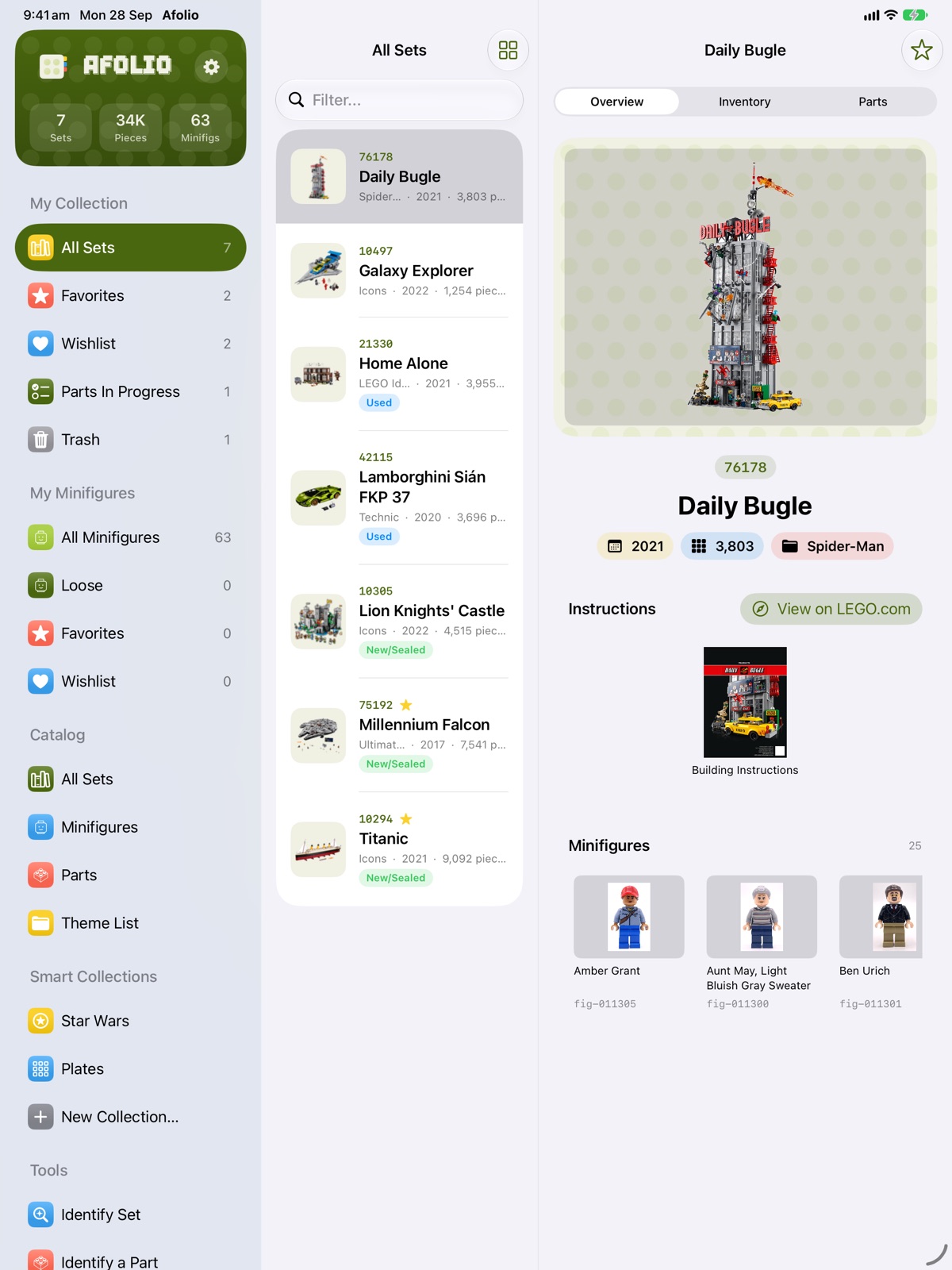
Take your collection with you. Count parts at the table with a tap, check what a set is worth while you’re at a sale, and work out which set a loose pile came from — with the same catalog and collection you use on your Mac.
iCloud sync — free
Your sets, parts checklists, minifigures, wishlist and Smart Collections stay in sync across your iPhone, iPad and Mac through your own iCloud account. It’s free for everyone, no Pro needed, and works with both the Mac App Store and direct-download Mac versions.
On iPhone and iPad
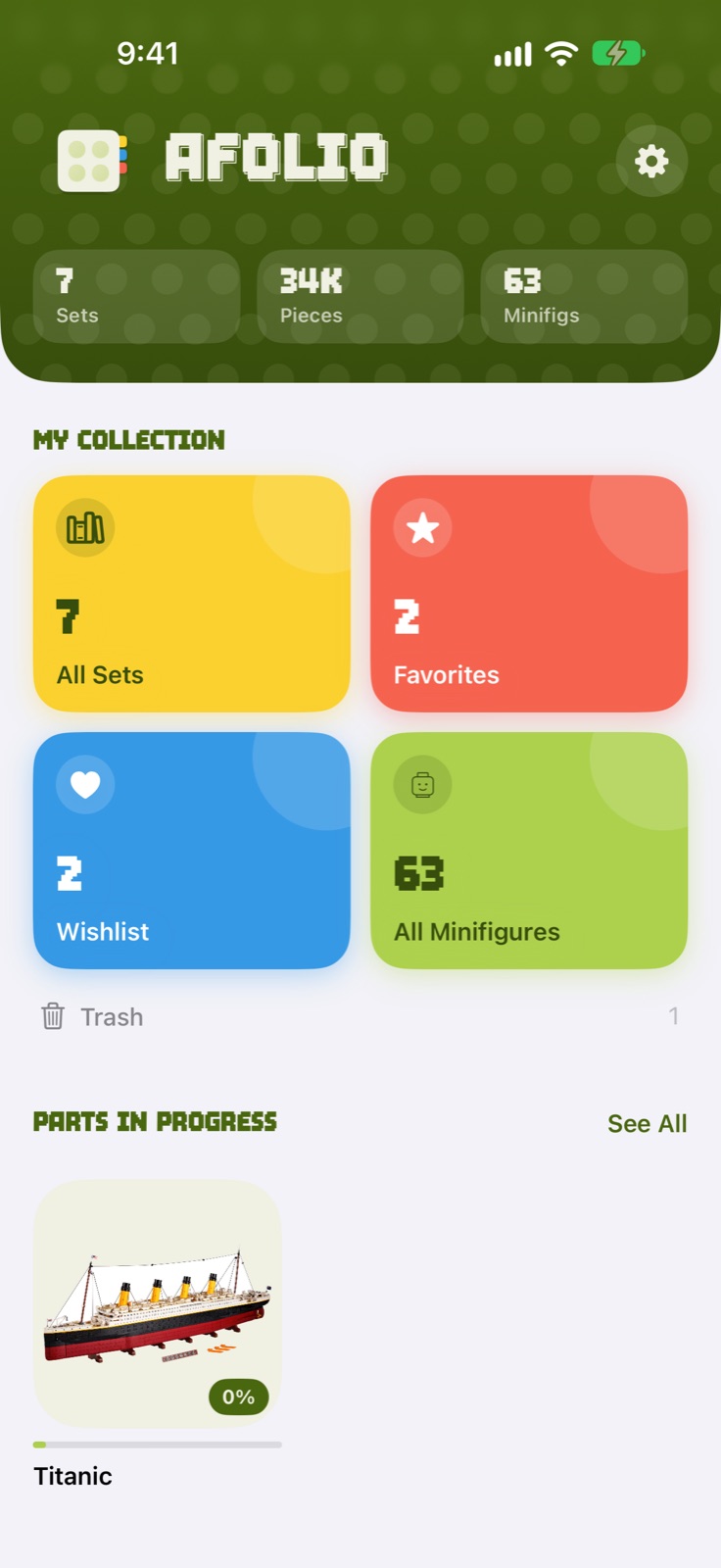
- A home screen built around your collection, favourites, wishlist and minifigures
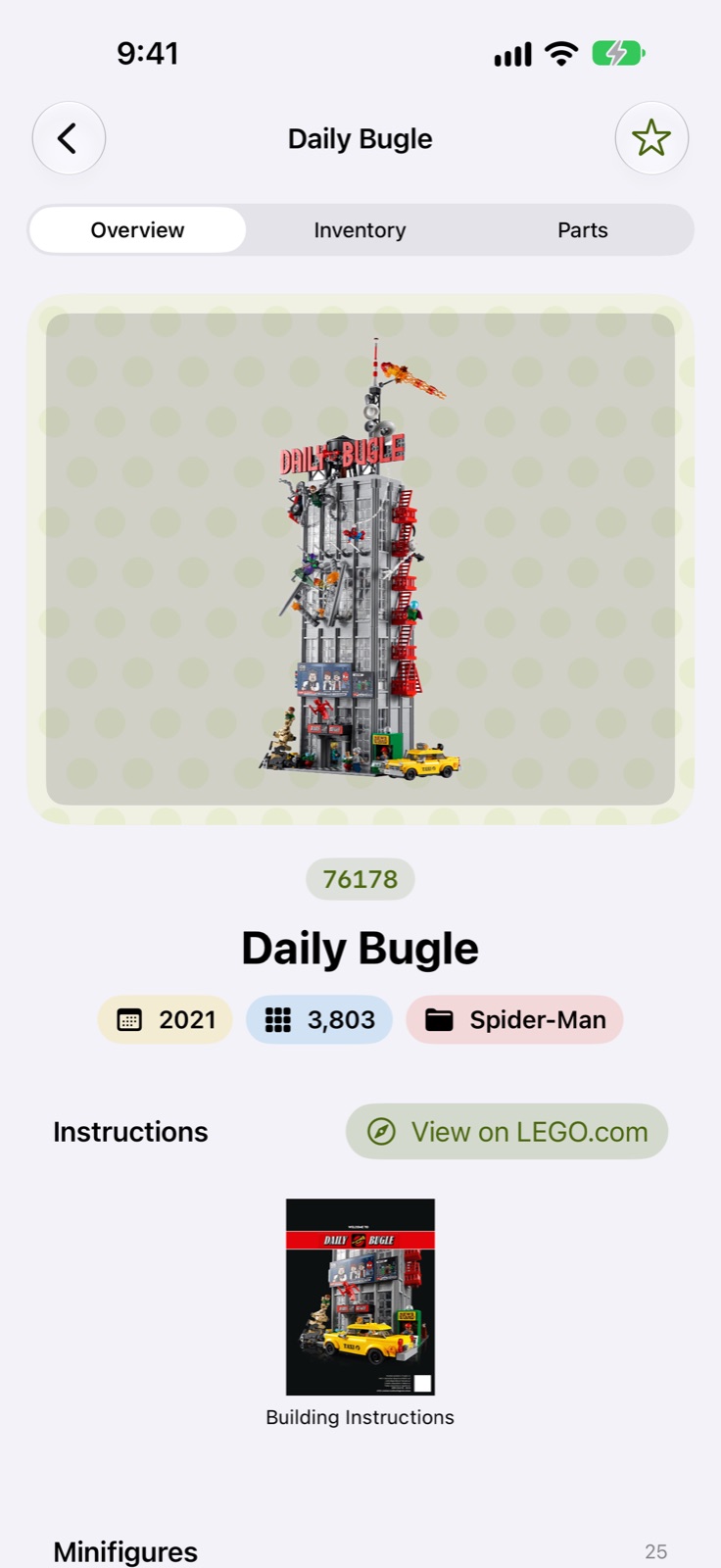
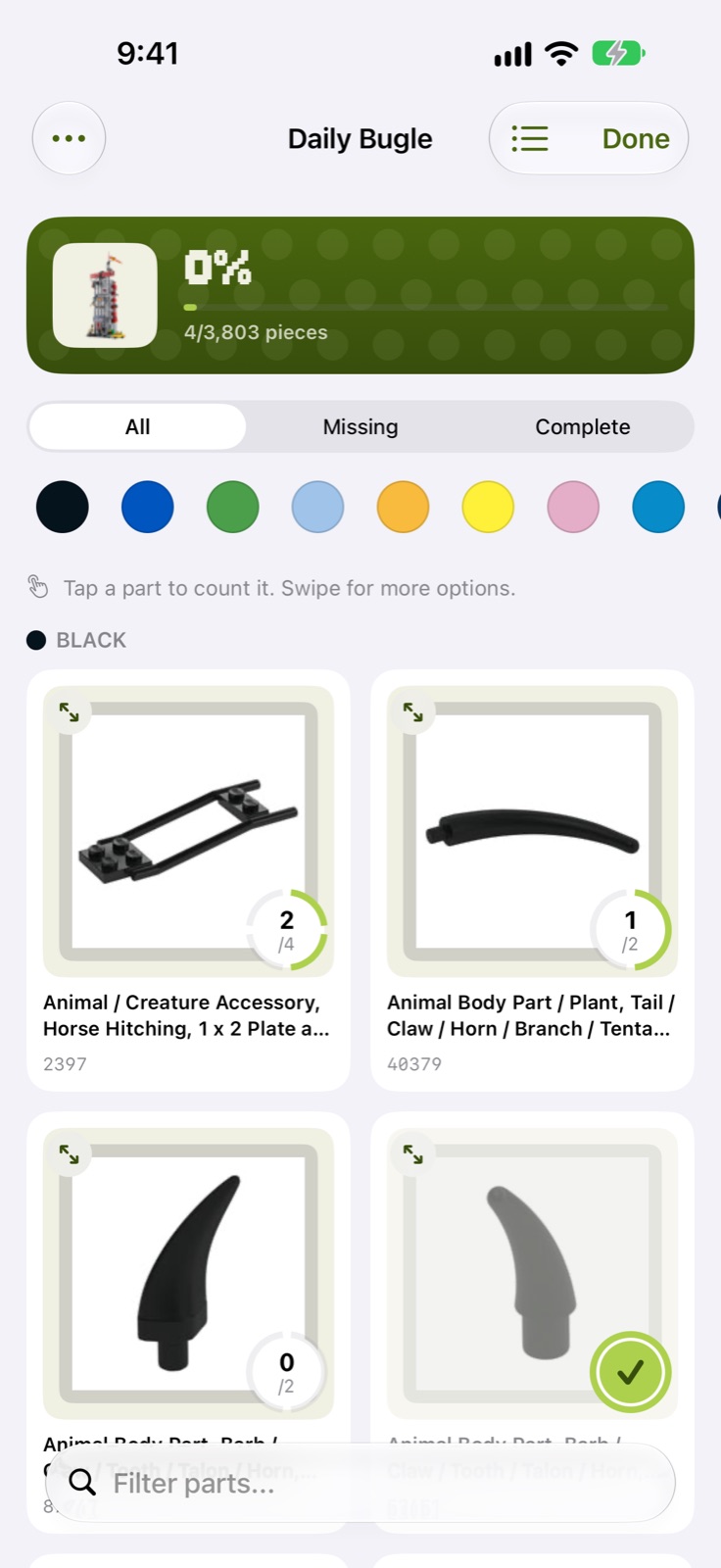
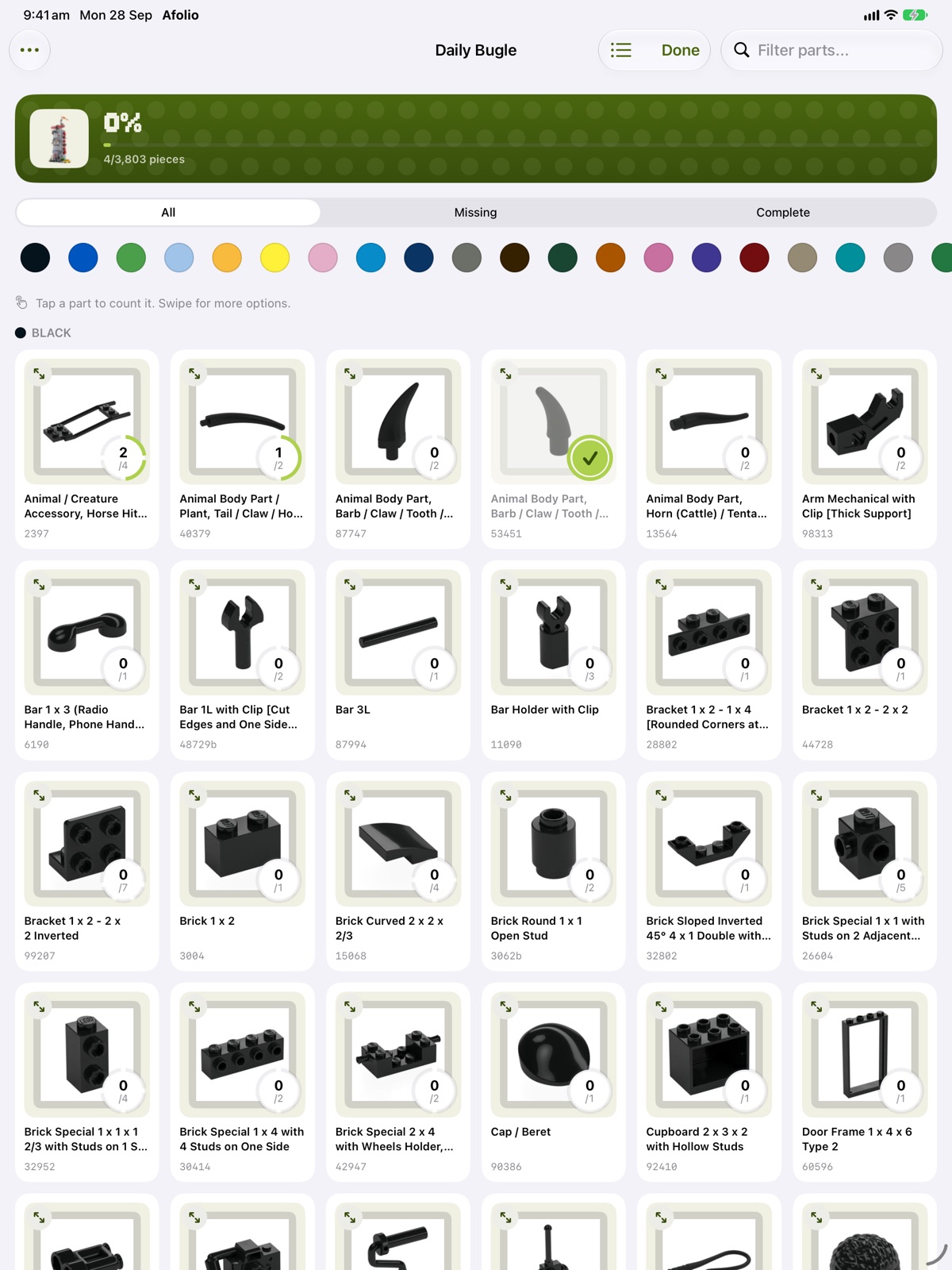
- Tap a part to count it in the parts checklist, in a list or a grid of pictures
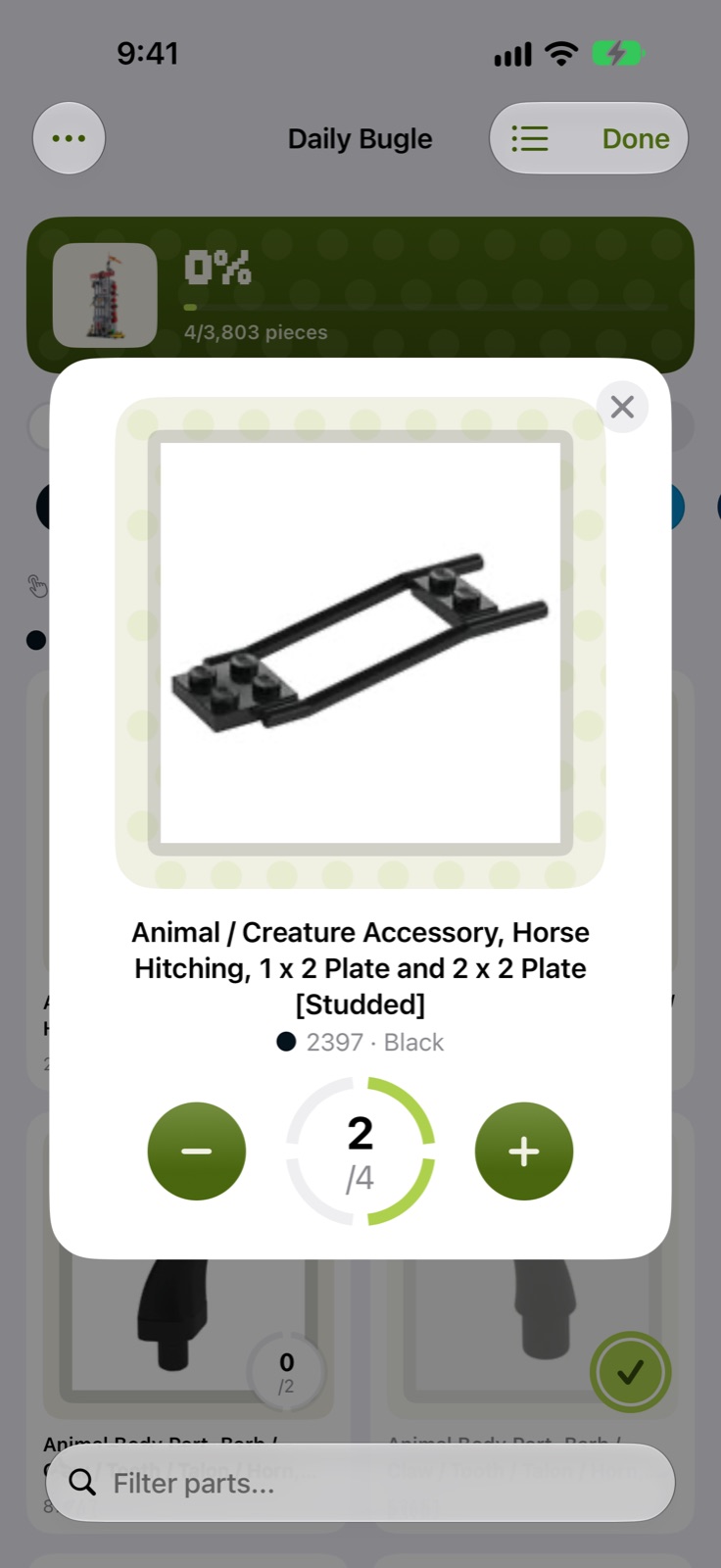
- Enlarge any part to see it clearly before you count it
- Parts In Progress takes you straight back to the checklists you’ve started
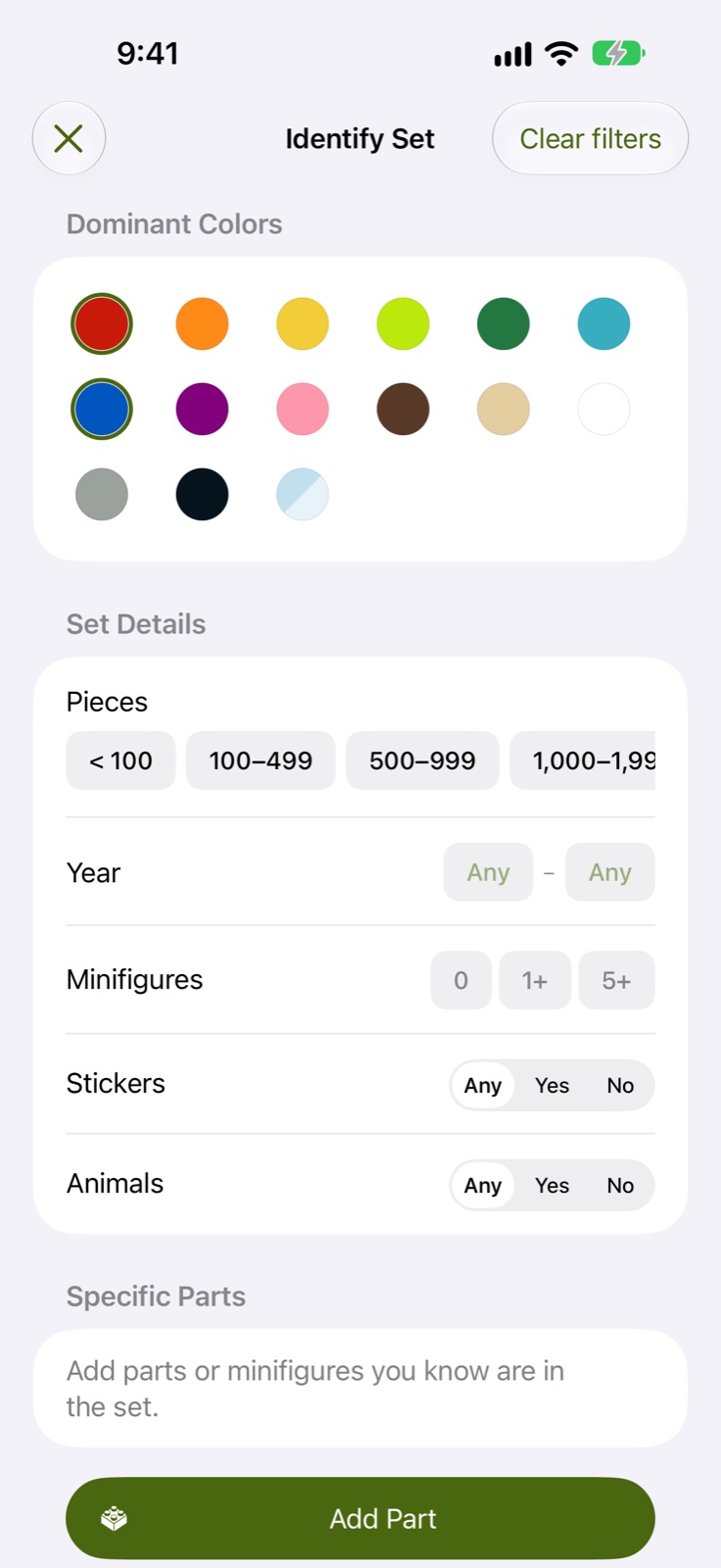
- Identify a Set and Identify a Part, right where the bricks are
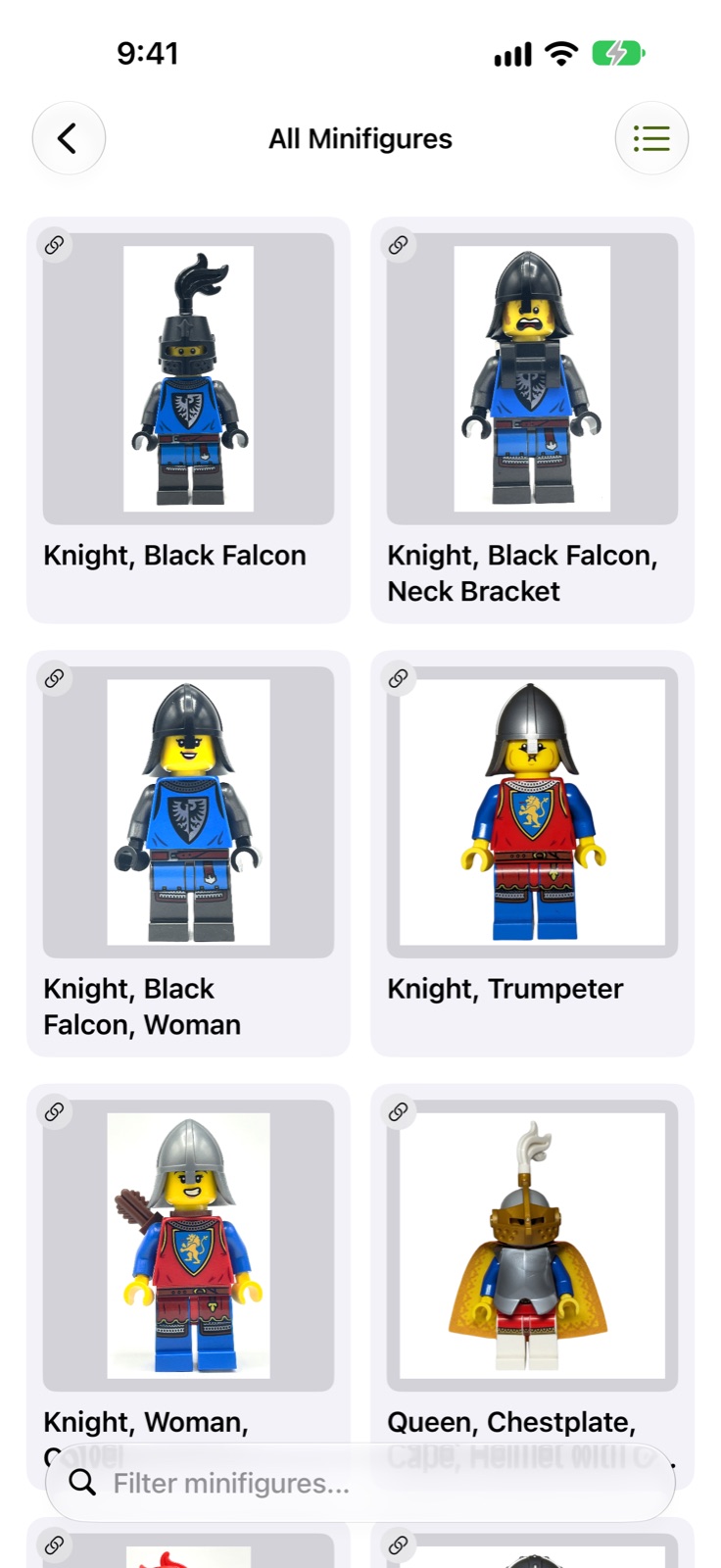
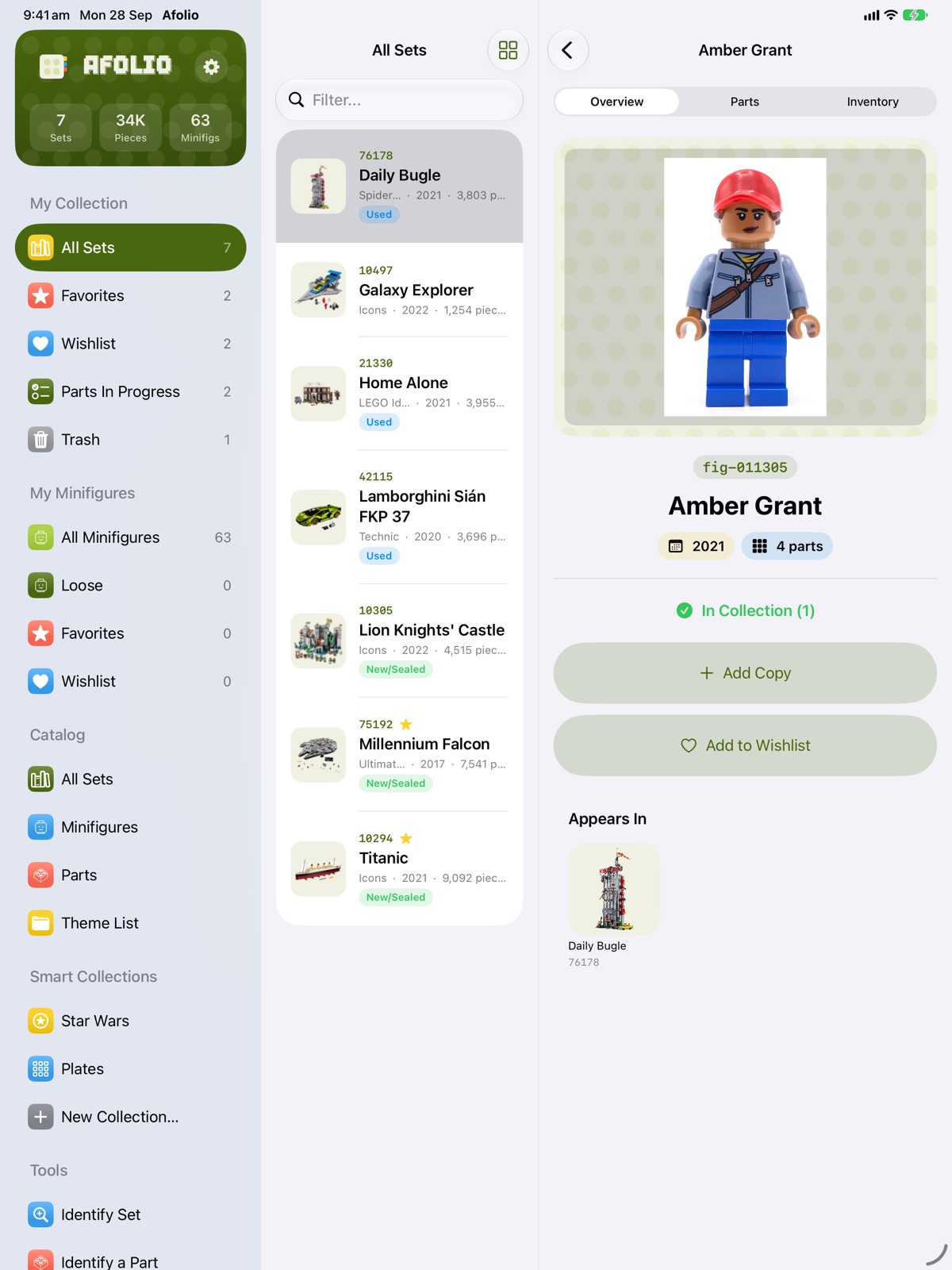
- Smart Collections and your minifigure collection, just like on the Mac
- On iPad, a sidebar keeps your collection, catalog and tools one tap away
Catalog
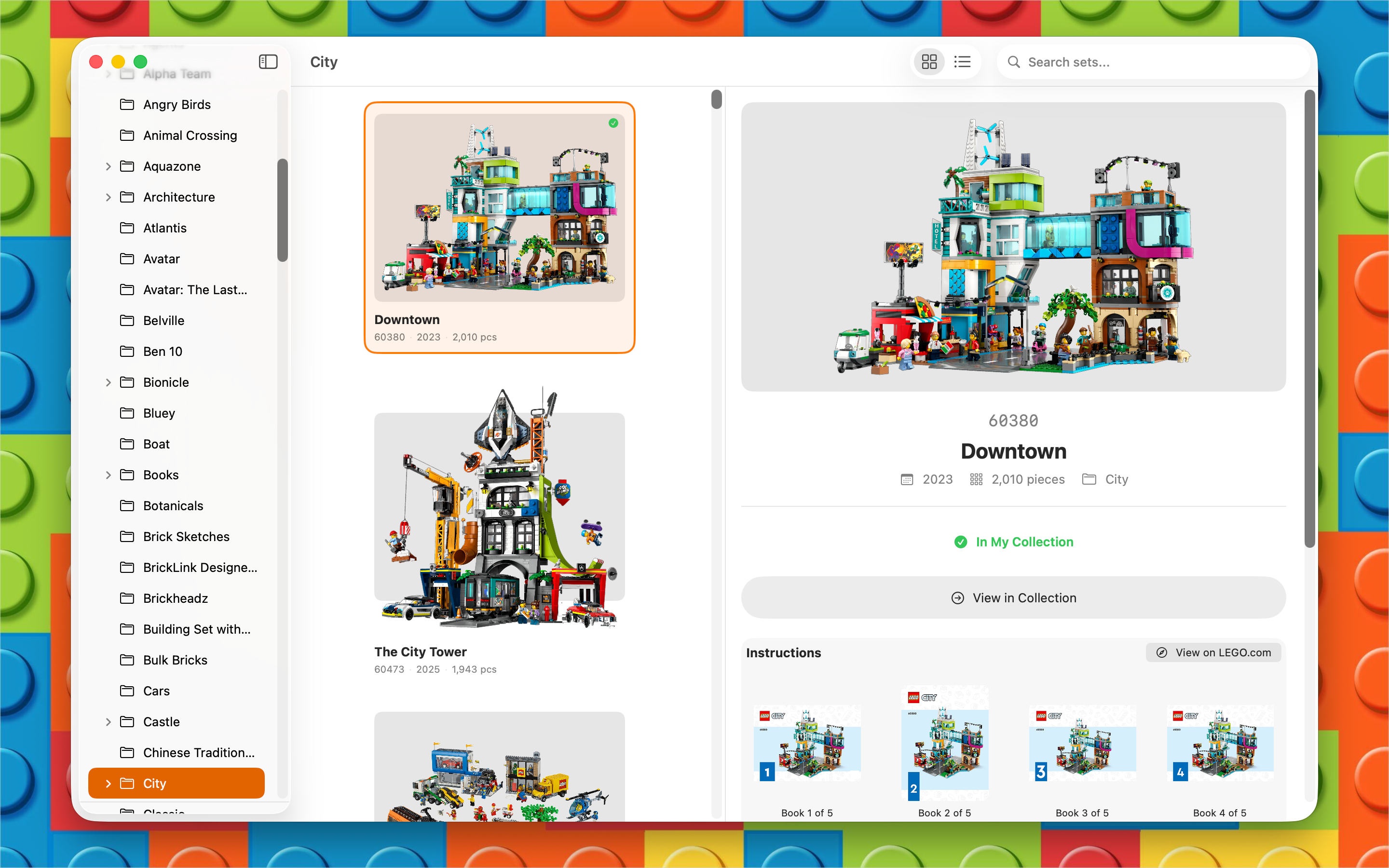
Browse every LEGO set ever made, including themes, piece counts, and part lists.
Minifigures
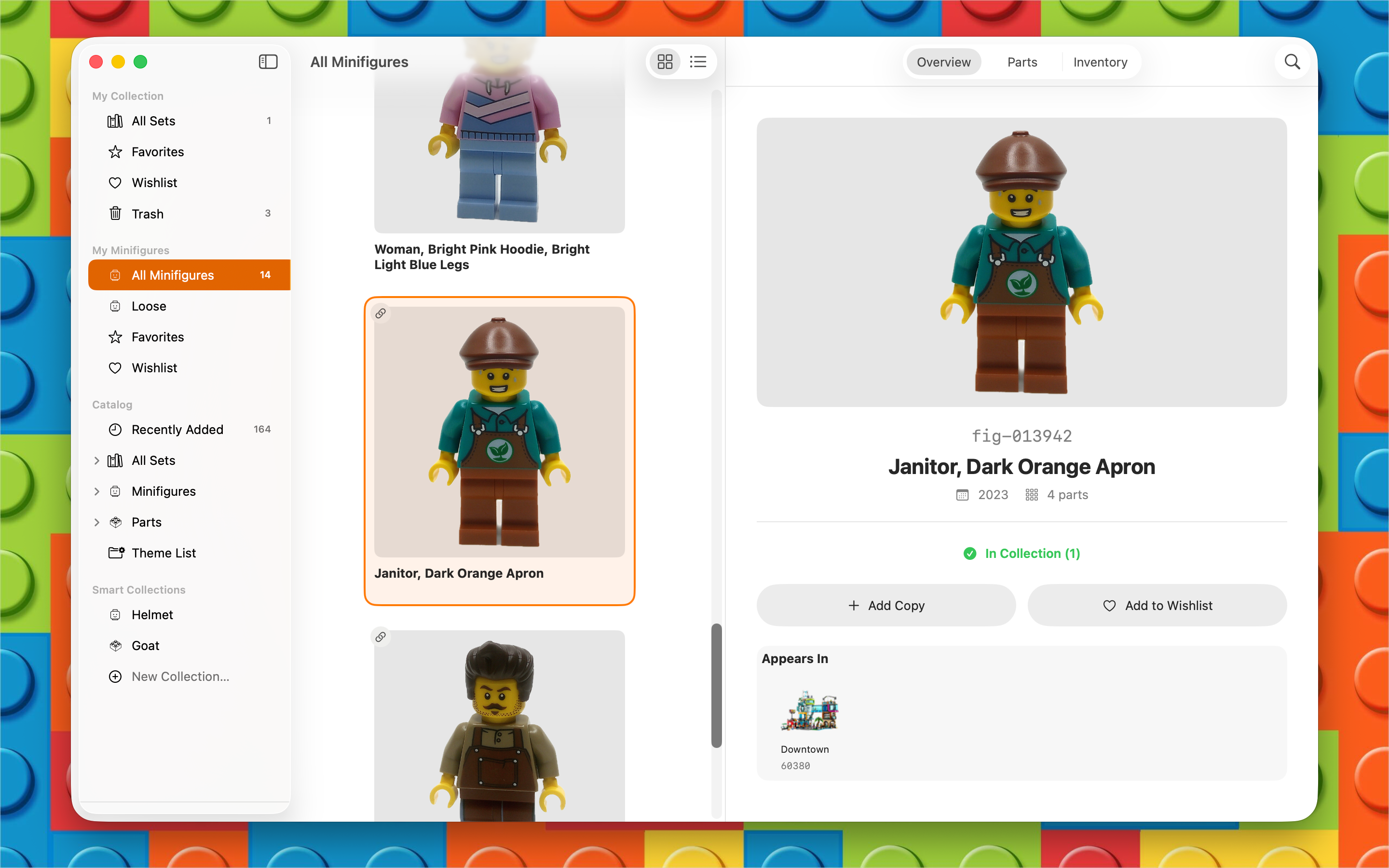
Browse the minifigure catalog, track your collection, and see which sets include each figure.
Inventory
Log acquisition details, track condition, manage multiple copies, and monitor market prices.
At a glance
- Afolio is a native app for Mac, iPhone and iPad for tracking a personal LEGO set and minifigure collection.
- It includes a built-in catalog of every LEGO set, so set names, images, piece counts, and parts lists are filled in for you.
- It is free to track up to 25 sets. Afolio Pro is a one-time upgrade with no subscription: US$19.99 on the App Store (one purchase covers iPhone, iPad and Mac), or US$19.95 for the direct-download Mac version. See pricing.
- It shows current market values for new and used sets, including listed and sold prices.
- Your collection stays on your devices and syncs free through your own iCloud account. There is no Afolio account to create and no tracking.
Features
- Browse the complete LEGO catalog — every set, theme, and year
- Track your collection with condition, purchase price, and notes
- Browse and collect minifigures — auto-tracked from your sets or added standalone
- View current market values for new and used sets
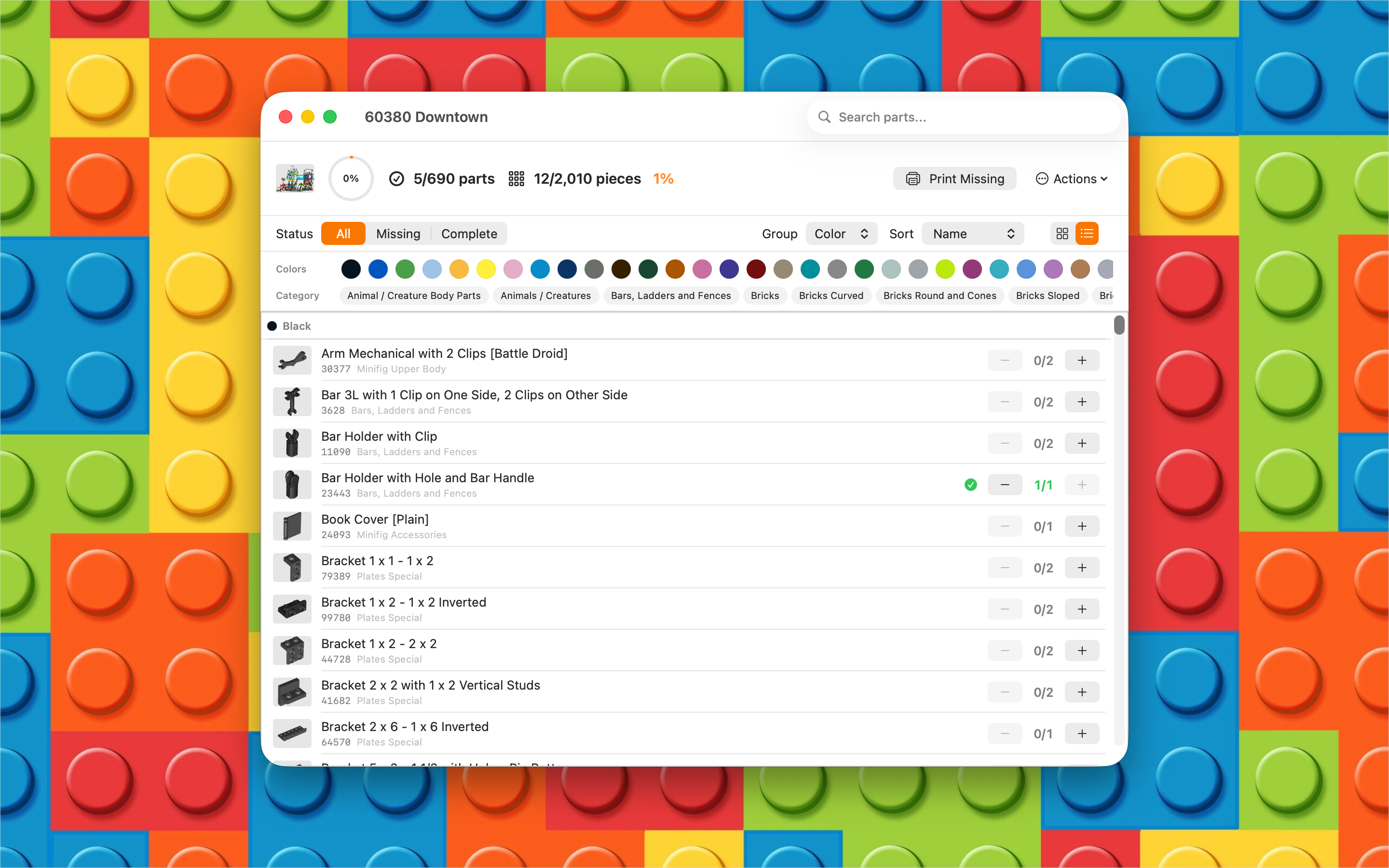
- Check part inventories with color-coded checklist and filtering
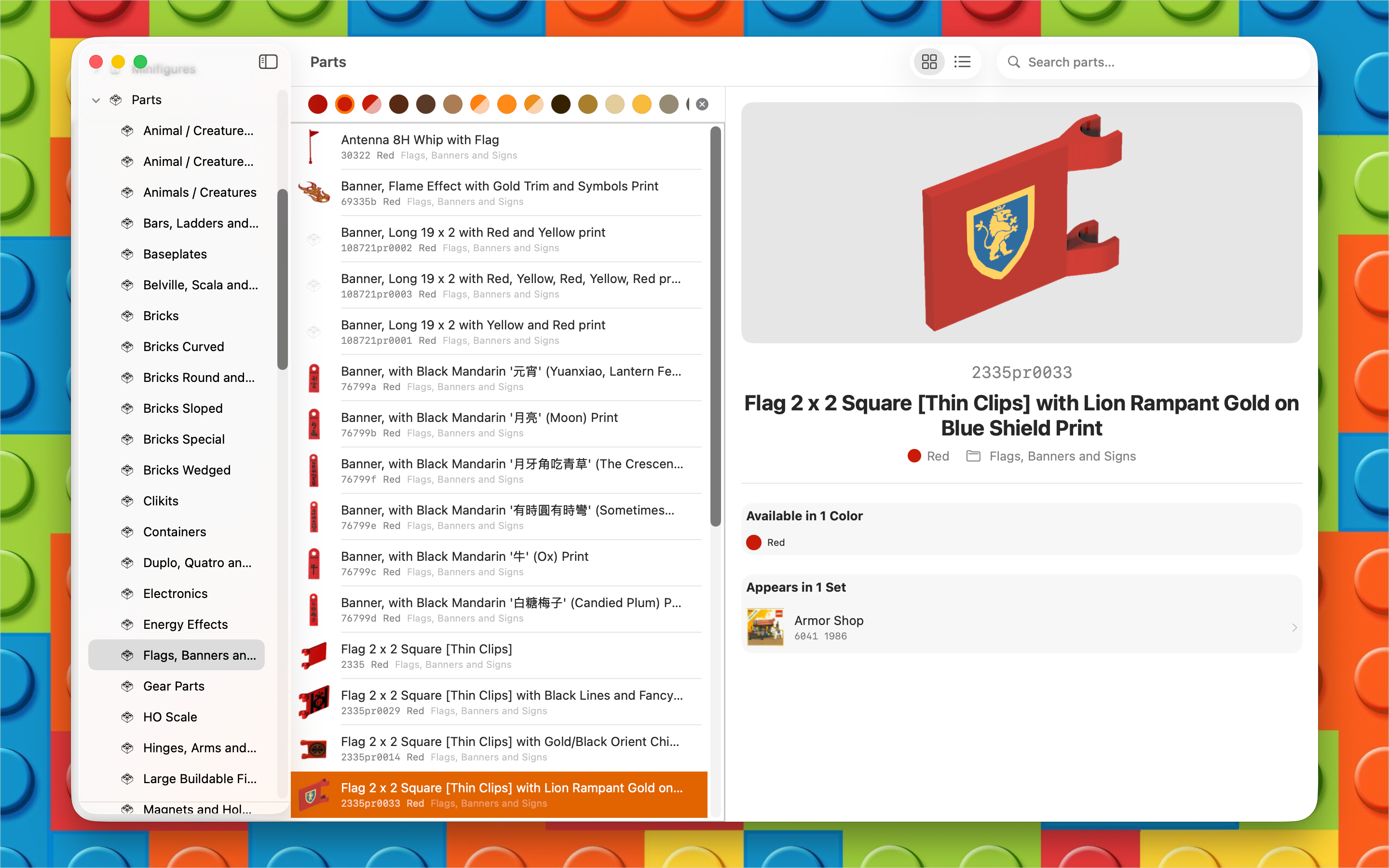
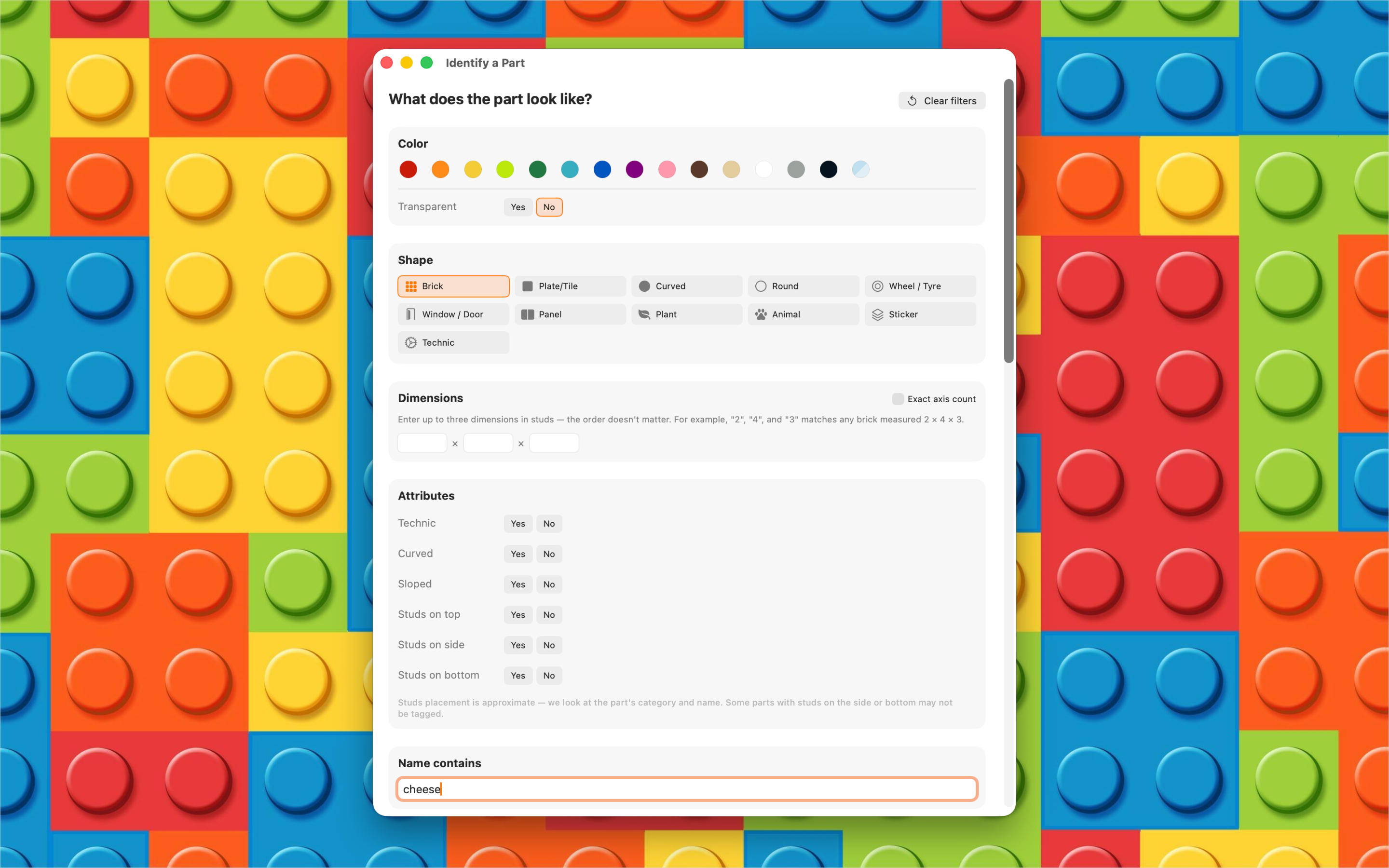
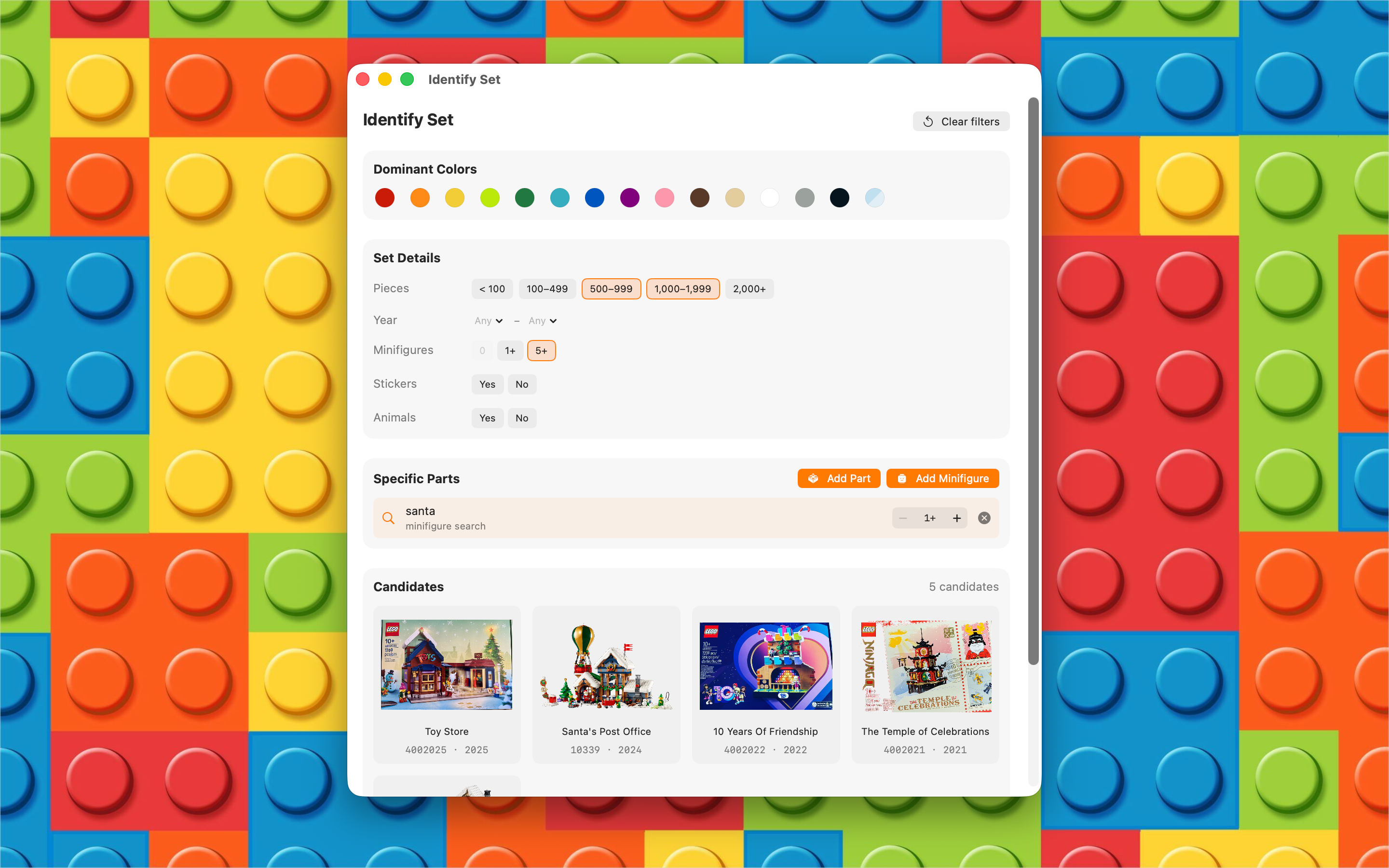
- Identify an unknown set or loose part by narrowing the catalog by color, shape, size, and other visible attributes
- See which sets contain sub-sets, minifigures, and parts
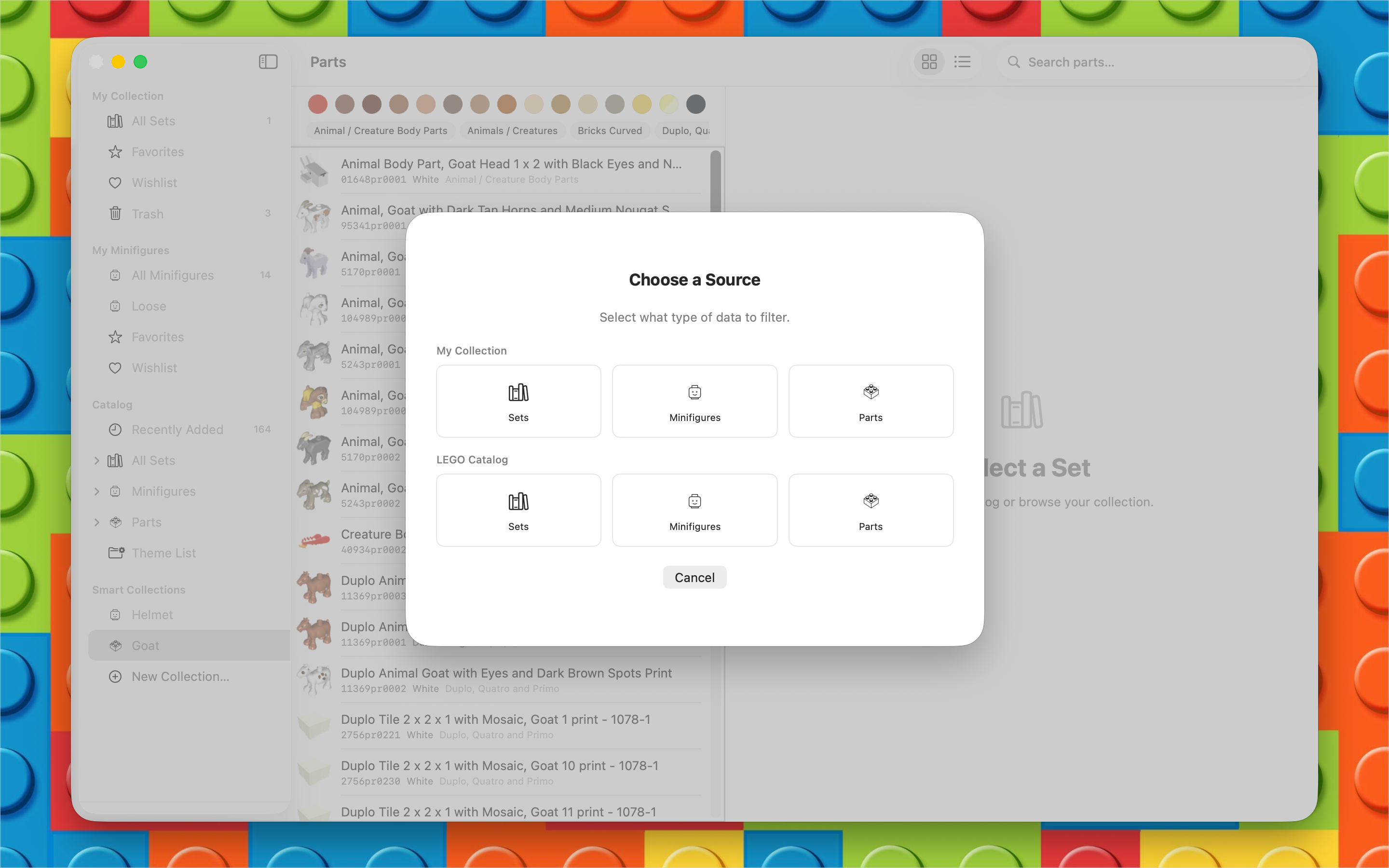
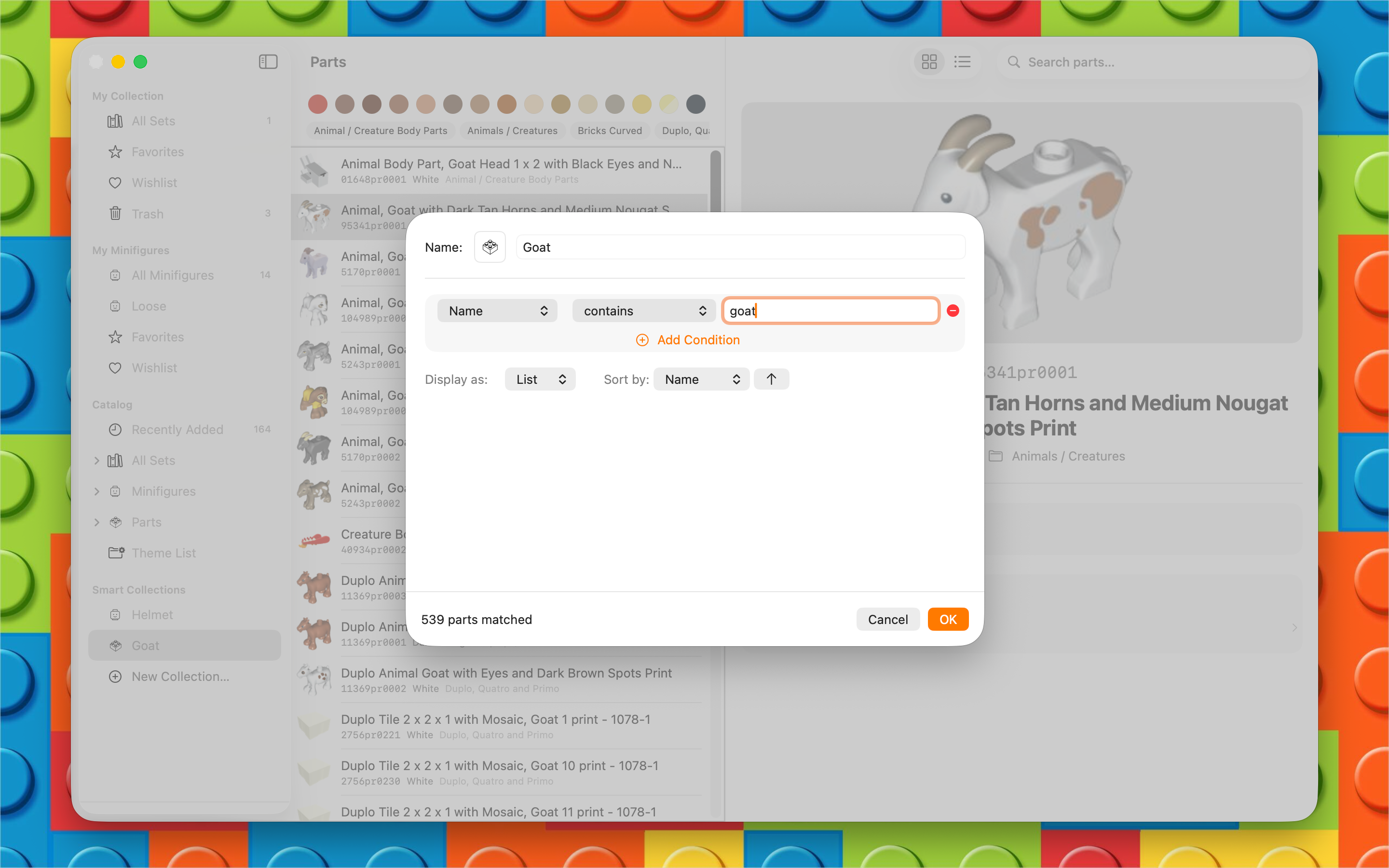
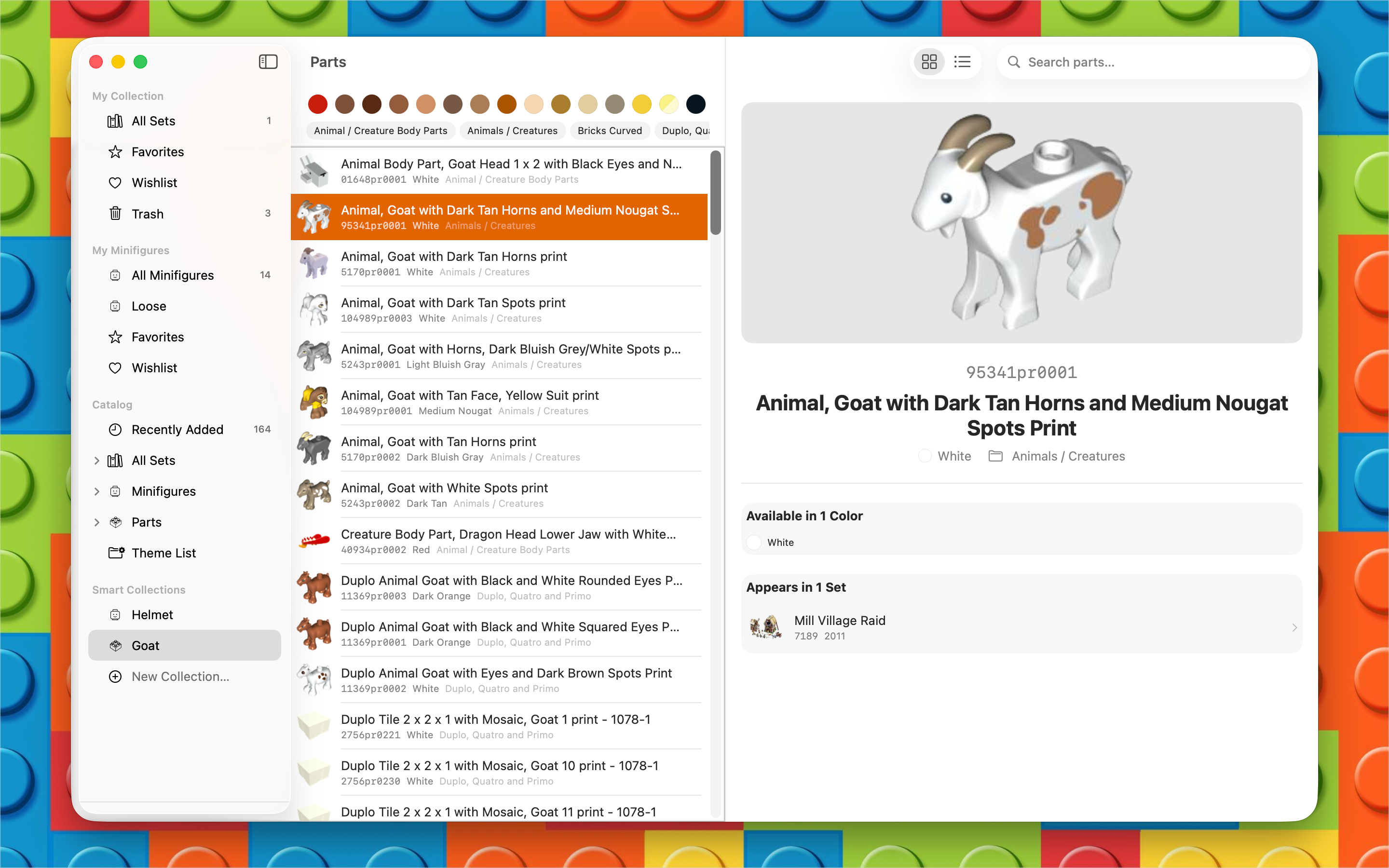
- Smart Collections — saved searches over your sets, minifigs, or the catalog
- Access building instructions where available
- Add sets and minifigures to a wishlist for future purchases
- Export and import your collection as CSV
- Free iCloud sync across iPhone, iPad and Mac
- Native apps for Mac, iPhone and iPad — fast, lightweight, and work offline
Guides & how-tos
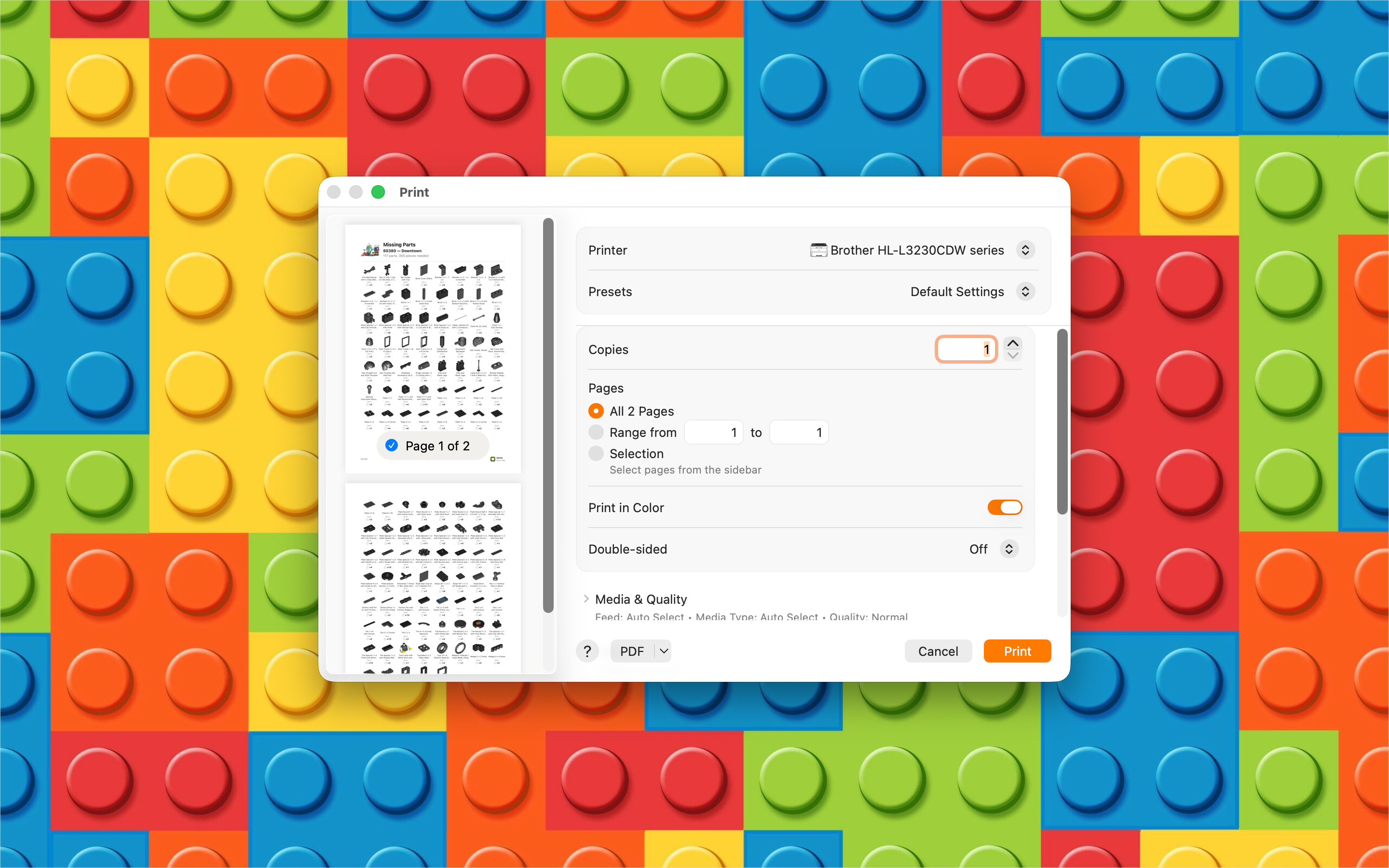
New to keeping track of a collection? Our guides cover the things every collector runs into — working out which set a boxless pile came from, figuring out what a set is worth, and tracking down the pieces a used set is missing, and cataloguing a whole collection and what it’s worth — showing both the manual way and how Afolio does it in seconds.
There are also guides to identifying a Harry Potter set from its minifigures, what to do about missing pieces from Pick a Brick, and a glossary of collector terms like NISB and AFOL.
Languages
English, Danish, Dutch, French, German, Italian, Japanese, Korean, Portuguese (Brazilian), Simplified Chinese, Spanish, and Traditional Chinese
Your data stays yours
Afolio has no accounts, no tracking, and no analytics. Your collection is stored on your devices. With iCloud sync turned on, it travels between them through your own private iCloud database — we can’t see it. API keys you provide for pricing data are kept in your system Keychain, not on any server of ours.